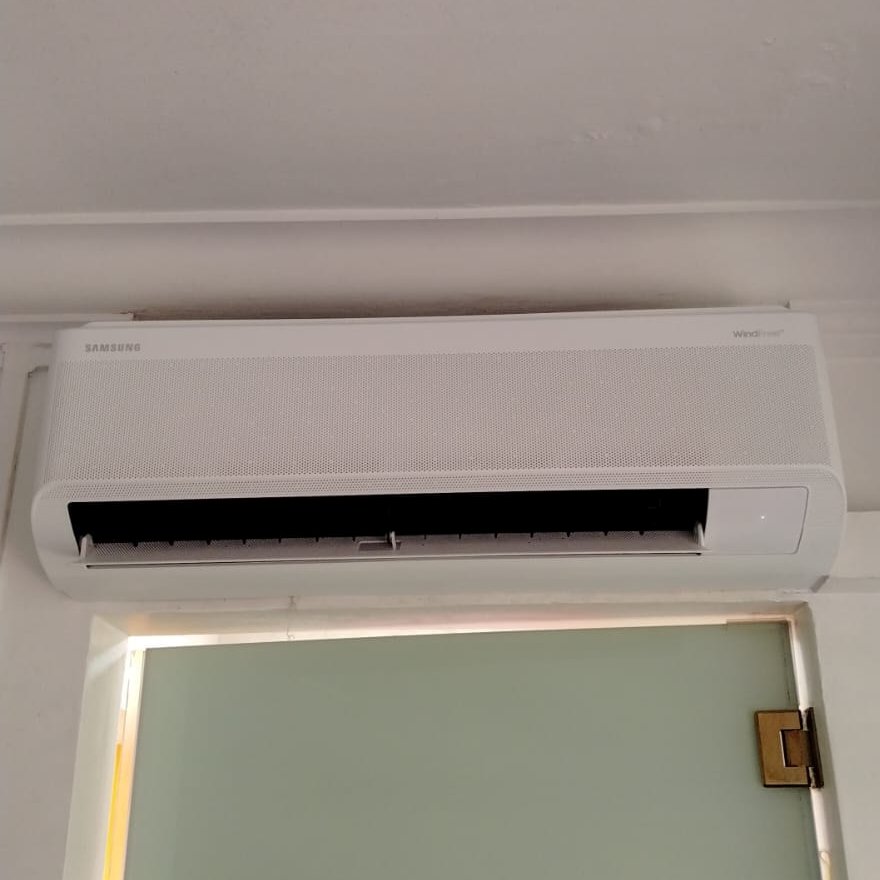
Seeing an error code or a blinking light on your Samsung aircon? Here’s what it means and what you can do about it. We’ve serviced Samsung units across Singapore for years, and as a Samsung Authorised Service Partner, our team deals with these codes frequently.
Need immediate help to diagnose an error code? Whatsapp +65 96674287for a free troubleshoot.
Most local Samsung aircons are fairly new because Samsung only re-entered the Singapore market in 2024 with the WindFree range, so the codes you’re likely to see are from the latest system.
This guide covers the codes and problems we see most often in Singapore homes, plus what you can safely try yourself before calling us in.
How to check your Samsung aircon error code
On most current Samsung models, the error code shows up directly on the indoor unit’s digital display. If your unit doesn’t have a display, the LED lights will blink in a specific pattern instead. Different combinations of the Operation, Defrost, Timer, Airflow, and Filter LEDs point to different fault types.
To pull up stored error codes from memory, press and hold Power, Mode, and SET on the remote together for about 5 to 7 seconds. The unit will run through its diagnostic cycle.
One thing that confuses people: codes starting with “E” and “C” mean exactly the same thing. So E422 and C422 are the same fault. Samsung just uses both formats depending on the model year. Don’t waste time looking up two different codes.
The 6 most common Samsung aircon error codes in Singapore
E422 / C422: Refrigerant flow problem
This is one of the more serious codes we see. It means the electronic expansion valve has detected a flow issue, usually because of a refrigerant leak, a blocked pipe, or a service valve that’s been left closed. Your aircon will blow weak air or warm air.
What you can try: This isn’t something you can fix yourself because it needs proper gas handling tools and a licensed technician. A standard gas top-up runs around $70 to $120, but if there’s a leak that needs repair, the cost goes up.
E154 / C154: Indoor fan motor error
The indoor fan isn’t spinning at the speed it should. The first thing we always check is the air filter. A heavily clogged filter can strain the fan motor and trigger this code, and filters in Singapore get choked fast because of our dust and humidity.
What you can try: Pull out the filter, give it a wash, let it dry, and restart the unit. If the code comes back, the motor or the PCB needs replacing and you’ll need a technician.
E121 / C121: Indoor temperature sensor fault
The sensor that reads your room temperature has failed. You’ll notice the aircon running too cold, too warm, or cycling at strange intervals.
What you can try: This isn’t a DIY fix, but it’s a straightforward repair for a trained technician.
E461 / C461: Compressor starting error
The compressor isn’t starting up properly. It could be a wiring issue, a failed capacitor, or the compressor itself.
What you can try: This isn’t a DIY fix, but it’s a straightforward repair for a trained technician.
Here’s something worth knowing: we’ve seen cases where homeowners were quoted full compressor replacement, which can run over $1,000, when the actual problem was just a failed capacitor costing a fraction of that.
If you get quoted for a new compressor, consider getting a second opinion before agreeing. An honest technician will check the cheaper components first.
E101 / C101: Indoor and outdoor units can’t communicate
The indoor and outdoor units have lost their connection. Usually it’s a wiring problem, often loose F1 and F2 wires or a bad terminal connection. Sometimes, the PCB is at fault.
What you can try: Try a full power reset first. Switch off the aircon at the breaker, wait at least 3 minutes, then turn it back on. If the code returns, give us a call.
E9 / E153: Float switch and drainage error
This one is very common in Singapore because of how humid it is. Your drain pipe is likely clogged with slime, dust, or even lizard droppings, and the float switch has triggered a safety shutoff to stop water from overflowing into your home.
What you can try: You can sometimes clear the drain outlet at the bottom of the indoor unit as a temporary fix, but if you want it to stay fixed, you’ll need a proper drain flush. Otherwise, it’ll happen again in a few weeks.
Quick reference: other Samsung error codes
Here are the other codes you might run into. Note that the first three aren’t actually faults, just status messages, so don’t panic if you see them.
| Code | Meaning | What to Do |
| CF | Filter cleaning reminder (not a fault) | Clean your filter and the code clears itself |
| Ch | Compressor start delay | Normal. Wait 3 to 5 minutes |
| dF | Defrost cycle running | Normal. Let it finish |
| E163 | EEPROM / PCB memory fault | Board may need replacing. Technician required |
| E202 | Communication tracking failure | Usually a wiring issue between units. Technician required |
| E221 | Outdoor temperature sensor fault | Technician required |
| E251 | Compressor discharge temperature sensor fault | Technician required |
| E407 | High pressure protection triggered | Switch off and call a technician |
| E439 | Refrigerant leak detected | Switch off and call a technician |
| E464 | IPM overcurrent | Switch off and call a technician |
| E554 | Full refrigerant leak | Switch off and call a technician |
| E628 | WiFi kit communication error | Try removing and re-adding the unit in SmartThings. If it persists, technician required |
Common Samsung problems that don’t show a code
1. Aircon not cold enough
Start with the filter. Samsung recommends cleaning every 2 to 3 weeks in our climate, and most people don’t do it that often.
If cleaning filters don’t help, you might be low on gas. One thing we’ve noticed with Samsung units in Singapore is that the evaporator coils sometimes develop small refrigerant leaks over time because of how aggressive our humidity is. If your aircon needs gas top-ups every few months, that’s a sign of a leak, not just normal use.
2. Water leaking from the indoor unit
The number one cause of water leakage is a clogged drain pipe due to algae and dust build up.
The second most common cause is a frozen evaporator coil from a dirty filter. When the ice melts, the drain tray can’t keep up.
3. Bad smell coming from the aircon
That musty or sour smell is mould and bacteria growing inside the unit.
Samsung’s Auto Clean function helps a bit by drying the heat exchanger after each use, but it doesn’t replace a proper chemical wash. We recommend a chemical wash every 6 to 12 months for most homes in Singapore.
4. WindFree mode doesn’t seem to work
This one isn’t actually a fault. WindFree mode only kicks in after the room reaches your set temperature. Fast Cooling runs first to cool the room down, then the unit switches to WindFree to maintain it without the draft.
If you set 24 degrees and the room is at 30, you’ll feel the normal airflow for a while before WindFree takes over. That’s how it’s supposed to work.
5. SmartThings app problems
If you bought a resale flat and can’t connect your aircon to SmartThings, the previous owner probably still has the unit registered to their Samsung account.
Deleting and re-adding the device on your end won’t fix it. You’ll need to call the Samsung hotline at 1800-726-7864 to release it.
When to DIY and when to call us
Safe to try yourself:
- Clean your filter
- Clear the drain outlet
- Do a full power reset at the breaker
- Check that your windows and doors are closed properly
Call us soon:
- Code returns after a reset
- Weak cooling that doesn’t improve after cleaning
- Water still leaking
- Unusual sounds you haven’t heard before
Call us immediately:
- Any of the gas leak codes (E422, E439, E554)
- Overcurrent code (E464)
- Burning smell
- Circuit breaker tripping repeatedly
Don’t keep running the unit, as these issues require immediate attention.
One last thing worth knowing about Samsung specifically: their warranty terms say that any service done by a non-authorised technician voids your warranty, including the 5-year compressor warranty (or 10 years on the Bespoke AI models).
So if your unit is still under warranty, it’s worth checking that whoever services it is actually authorised by Samsung. We are a Samsung Authorised Service Partner, and our team is trained on Samsung-specific systems with direct access to genuine parts.
If you’re stuck on a code or your Samsung aircon is problematic, give us a call. We’ll be honest with you about what needs fixing and what doesn’t.
Contact Air Connection for Samsung servicing
Frequently Asked Questions (FAQ)
1. What does a blinking light on my Samsung aircon mean?
It means the unit has detected a fault. On models without a digital display, different LED combinations point to different issues. Check your indoor unit’s display if it has one, or retrieve the stored code by holding Power, Mode, and SET on the remote for 5 to 7 seconds.
2. Will servicing my Samsung aircon void the warranty?
Only if it’s done by a non-authorised technician. Samsung’s warranty terms require service from authorised service partners, and this applies to both the general warranty and the compressor warranty.
3. How often should I service my Samsung aircon in Singapore?
Every 3 months for heavy daily use, every 4 to 6 months for moderate use. The high humidity level here means aircons work harder and get dirtier faster.